Purchase options
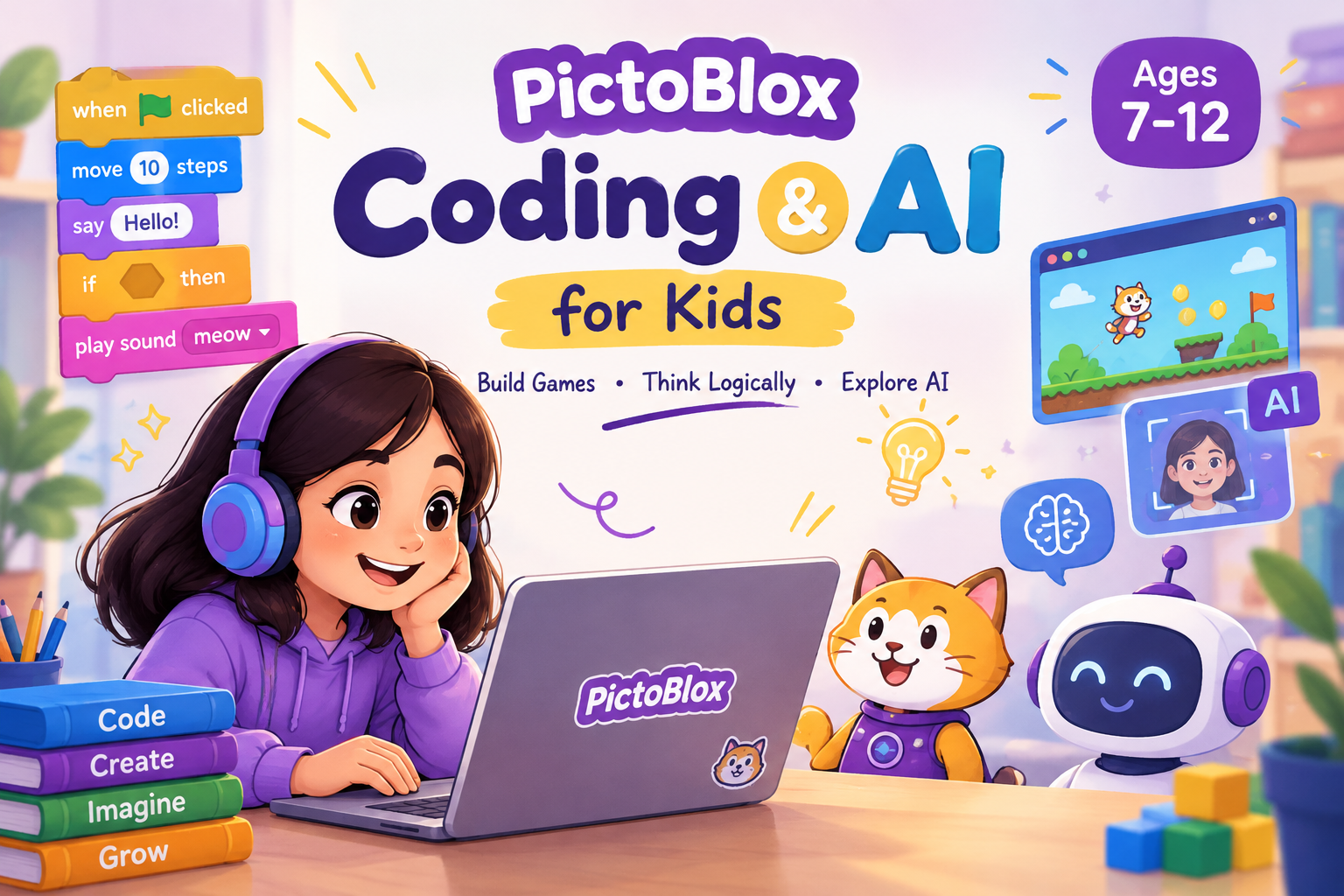
Coding & AI for Kids Using PictoBlox
Course Description In this course, children will discover the exciting world of Coding and Artificial Intelligence (AI) using PictoBlox through fun, hands-on projects. Students will learn coding fundamentals, including sequences, loops, conditions, and variables, while creating interactive games, animations, and a calculator. They will also explore AI through face detection, emotion detection, and face-controlled games, and get introduced to Machine Learning by training their own models and building a smart maze game. Designed for beginners, including children with basic coding knowledge, this course encourages creativity, logical thinking, and problem-solving skills. By the end of the course, students will have created their own interactive projects and gained practical experience in Coding, AI, and Machine Learning. PictoBlox Setup Use PictoBlox Online: https://pictoblox.ai/ Download PictoBlox: https://thestempedia.com/product/pictoblox/download-pictoblox/ Download Project Files - Mini Maze Game: [https://drive.google.com/file/d/1MwapO0-V9JHAoeyhs8tPr45KgAAHxNwm/view?usp=sharing] - Calculator:[https://drive.google.com/file/d/192J7b4hTn1eityY75soE3g630qRbePb4/view?usp=sharing] - Chatbot: [https://drive.google.com/file/d/1K_143v01B46FHX3b7Pt2qCROm5aBkBHK/view?usp=sharing] - Dino Hunt Game:[https://drive.google.com/file/d/1W_GJsYgcoZzQN7OZY1LurfyILTYRaCE4/view?usp=sharing] - Emotion Detector: [https://drive.google.com/file/d/1GIl5DpNcws2eKs8wkEajXXZT6B3UGQgz/view?usp=sharing] - Face-Controlled Apple Catcher: [https://drive.google.com/file/d/1TjCp7tKATBNnNq3jYlmBOGzBOYt5Aeez/view?usp=sharing] - Final Project: AI-Powered Smart Maze Game: [https://drive.google.com/file/d/1PKg--rxsumYZjf4sFCzG6RlndC0UDfmp/view?usp=sharing]
Course Content
Reviews
No reviews yet.